15 Must-Have WordPress Plugins (Free + Setup Guide)
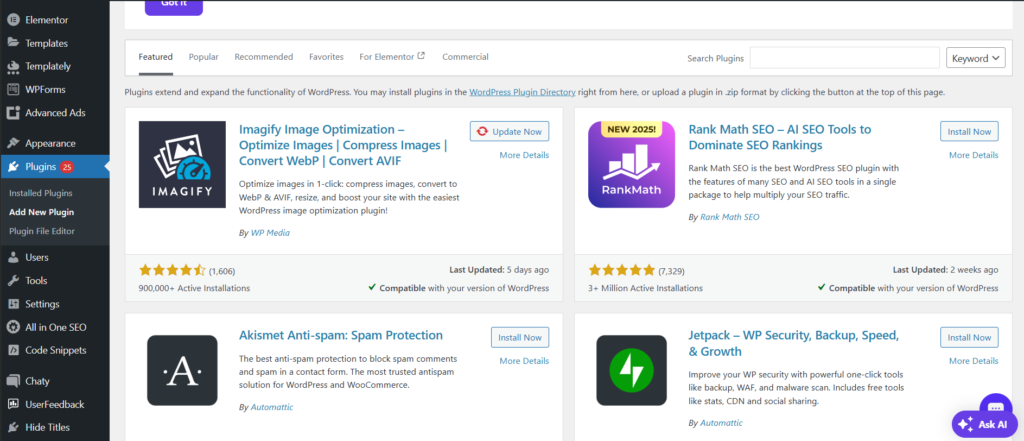
When you first install WordPress, you have the foundation. But to turn your website into a powerful machine that ranks on Google, converts visitors into customers, and runs securely without crashes, you need the right free WordPress plugins.
In this comprehensive guide, we’ll walk you through 15 essential plugins that every WordPress website should have installed—without spending a single dollar. Whether you’re a beginner or intermediate user, these tools will save you hours of work and give you professional-level results.
Why Do You Need WordPress Plugins?
WordPress comes with basic functionality out of the box, but plugins extend its capabilities without requiring any coding knowledge. Think of plugins as extensions that turn WordPress into whatever you need: an SEO powerhouse, a security fortress, a speed demon, or a backup-and-restore machine.
The plugins we’ve selected below are proven, trusted by millions of websites, and completely free. Let’s dive in.
1. Yoast SEO – The #1 Plugin for Search Rankings
Why You Need It:
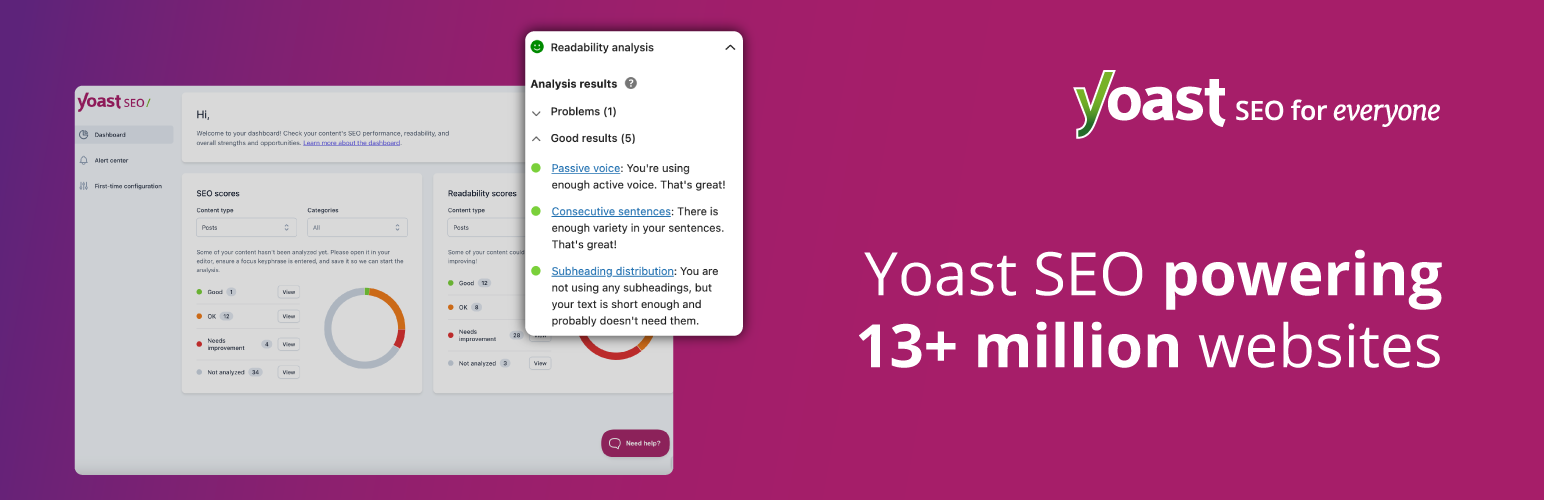
If you want your content to rank on Google, Yoast SEO is non-negotiable. This plugin guides you through every aspect of on-page SEO—from keyword optimization to readability analysis. It ensures your content is structured correctly for search engines and humans alike.
What It Does:
-
Real-time SEO suggestions as you write
-
Automatic XML sitemap generation
-
Readability analysis to improve user experience
-
Internal linking recommendations
-
Schema markup for rich snippets
Best For: Anyone serious about organic traffic and search rankings.
2. Rank Math – The Modern SEO Alternative

Why You Need It:
Rank Math is the sleek, modern alternative to Yoast. It’s faster, more intuitive, and packed with AI-powered features. Many professionals prefer it for its simplicity and powerful free features that competitors charge for.
What It Does:
-
Content AI suggestions powered by artificial intelligence
-
Multi-keyword tracking for better focus
-
Local SEO module for local businesses
-
Rank tracking dashboard
-
Advanced schema markup options
Best For: Users who want cutting-edge SEO without complexity.
3. Jetpack – All-in-One WordPress Companion

Why You Need It:
Jetpack is like having a Swiss Army knife for WordPress. It combines backup, security, performance monitoring, and growth tools into one plugin. The free version alone is incredibly powerful.
What It Does:
-
Automatic daily backups (free tier)
-
Downtime monitoring and alerts
-
Basic security scanning
-
Social media integration
-
Site stats and traffic overview
Best For: Beginners who want essential features without managing multiple plugins.
4. WP Super Cache – Lightning-Fast Page Loading

Why You Need It:
Page speed is crucial for SEO rankings and user experience. WP Super Cache creates static HTML versions of your pages so they load instantly instead of running database queries every time.
What It Does:
-
Automatic page caching
-
Browser caching setup
-
Preloading options to improve crawlability
-
Easy cache clearing
-
Works with CDN services
Best For: Any website that wants fast loading times without technical configuration.
5. Wordfence Security – Professional-Grade Protection

Why You Need It:
WordPress is targeted by hackers daily. Wordfence is the most trusted free security plugin, with real-time threat intelligence and a login security center that stops attacks before they happen.
What It Does:
-
Real-time threat detection
-
Two-factor authentication (2FA)
-
Login attempt limiting
-
Malware scanning
-
IP reputation checking
-
Security activity log
Best For: Protecting your website from hackers and brute-force attacks.
6. Akismet – Spam Fighter Champion

Why You Need It:
Comment spam can destroy your site’s reputation and drain resources. Akismet filters out spam comments automatically using machine learning trained on millions of spam samples.
What It Does:
-
Automatically catches spam comments
-
Protects contact forms from spam
-
Learns from your feedback to improve accuracy
-
Available for WordPress.com and self-hosted sites
Best For: Any site with user comments or contact forms.
7. Google Analytics for WordPress by MonsterInsights
Why You Need It:
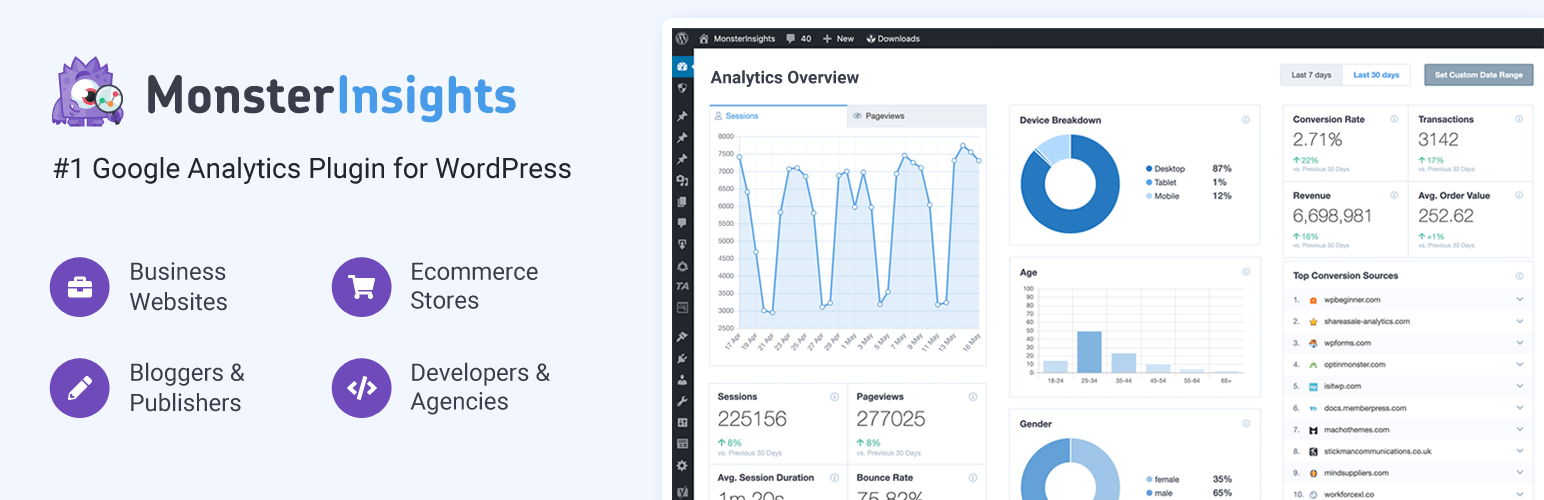
Understanding your traffic is essential for improvement. This plugin brings Google Analytics data directly into your WordPress dashboard without needing to leave your site. You see what’s working and what isn’t at a glance.
What It Does:
-
Google Analytics integration into WordPress dashboard
-
Popular posts and pages reports
-
Ecommerce tracking capabilities
-
Goal and conversion tracking
-
Insights tab with actionable recommendations
Best For: Site owners who want actionable traffic insights without visiting Google Analytics constantly.
8. Elementor – Drag-and-Drop Page Builder
Why You Need It:
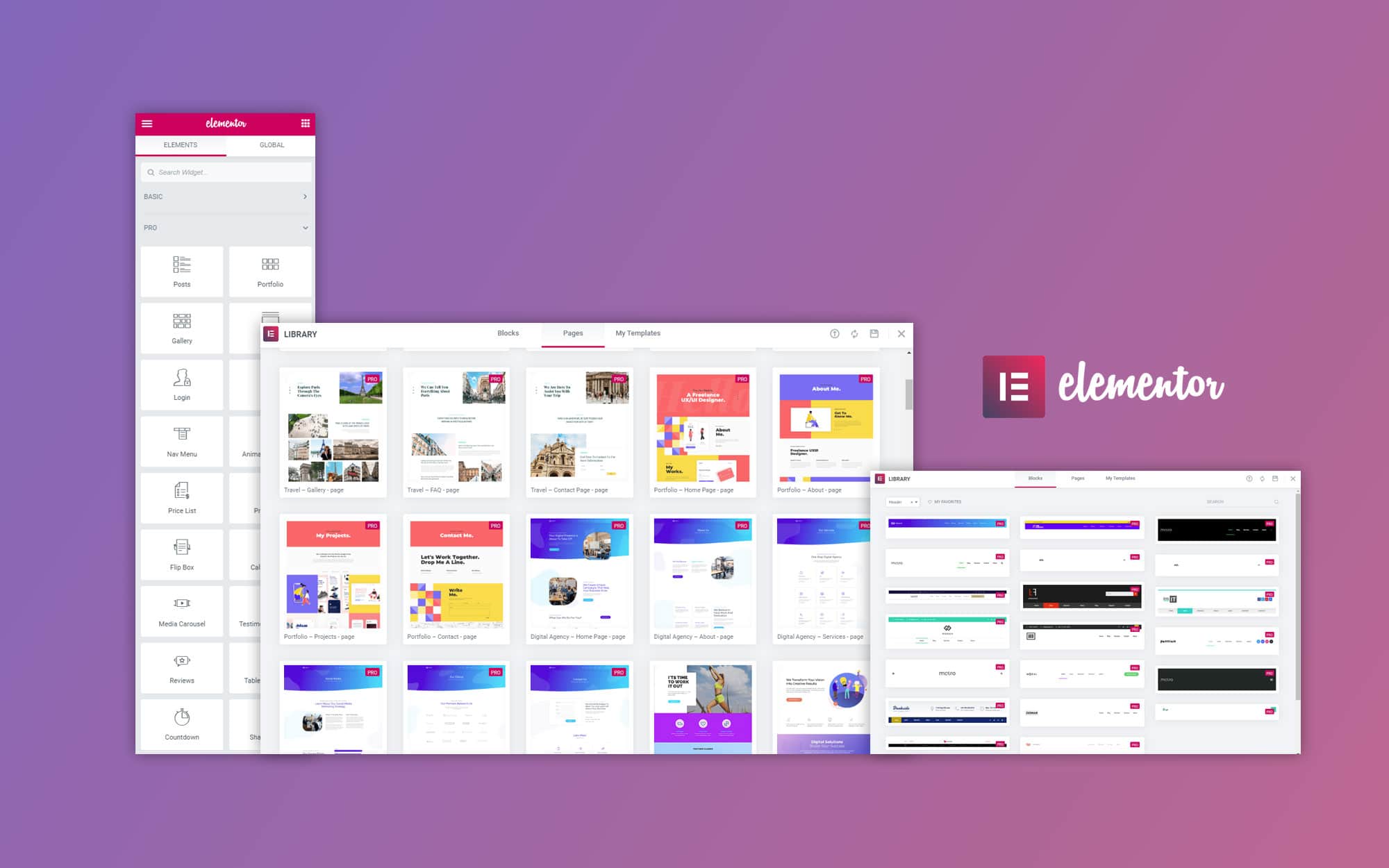
You don’t need to know code to create beautiful pages. Elementor’s drag-and-drop interface lets anyone build professional landing pages, service pages, and sales funnels visually.
What It Does:
-
90+ pre-designed templates
-
Drag-and-drop page building
-
Mobile-responsive editing
-
Dynamic content options
-
Template library access
Best For: Creating stunning pages without coding or hiring a developer.
9. WPForms Lite – Easy Contact Forms
Why You Need It:
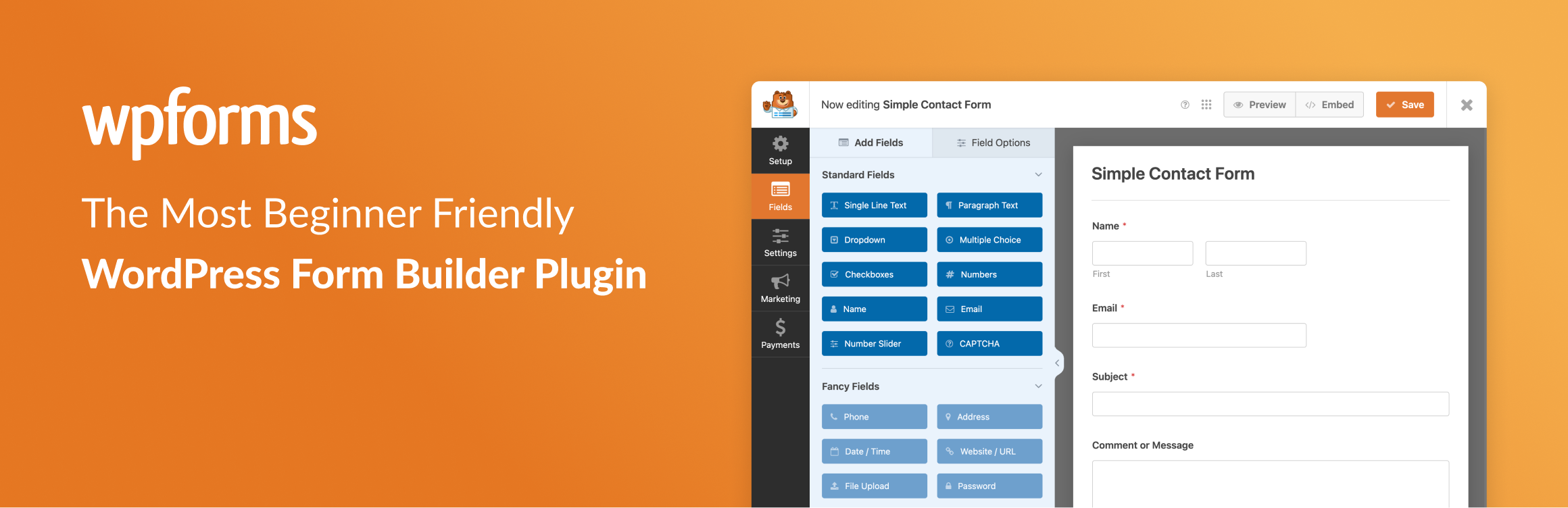
Contact forms are conversion machines, but building them shouldn’t be complicated. WPForms provides drag-and-drop form creation with conditional logic, email notifications, and payment integration options.
What It Does:
-
Simple drag-and-drop form builder
-
Pre-built form templates (contact, newsletter, survey)
-
Email notifications and confirmations
-
Spam protection
-
Lead generation tools
Best For: Creating professional forms that actually convert visitors into leads.
10. Regenerate Thumbnails – Image Optimization

Why You Need It:
When you change themes or image settings, your existing images aren’t automatically resized. This plugin regenerates thumbnails in all sizes your theme needs, improving performance without losing quality.
What It Does:
-
Batch regenerate thumbnail images
-
Create new image sizes
-
Optimize images for your theme
-
Keep your media library clean
Best For: Improving page speed and ensuring images look perfect across devices.
11. UpdraftPlus – Backup Your Peace of Mind

Why You Need It:
Disasters happen. Your host may go down, a plugin may corrupt files, or hackers may strike. UpdraftPlus creates automated backups stored safely on cloud services like Google Drive, Dropbox, or Amazon S3.
What It Does:
-
Automated daily, weekly, or monthly backups
-
Cloud storage integration (Google Drive, Dropbox, AWS)
-
One-click restore functionality
-
Incremental backups to save storage space
-
Email notifications of backup status
Best For: Any serious website that can’t afford downtime or data loss.
12. Smush – Automatic Image Compression
Why You Need It:
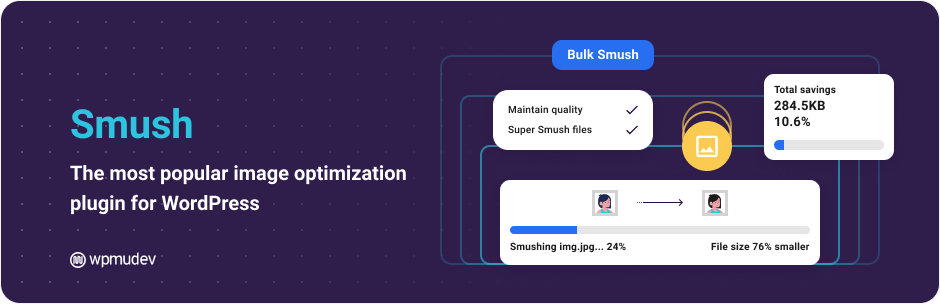
Large image files slow down your website dramatically. Smush automatically compresses and optimizes images as you upload them, reducing file size by 35% or more without visible quality loss.
What It Does:
-
Automatic image compression on upload
-
Bulk image optimization for existing media
-
WebP format conversion
-
Lazy loading for faster page loads
-
CDN integration
Best For: Sites with lots of images that want blazing-fast load times.
13. All in One SEO Pack – Comprehensive SEO Toolkit
Why You Need It:
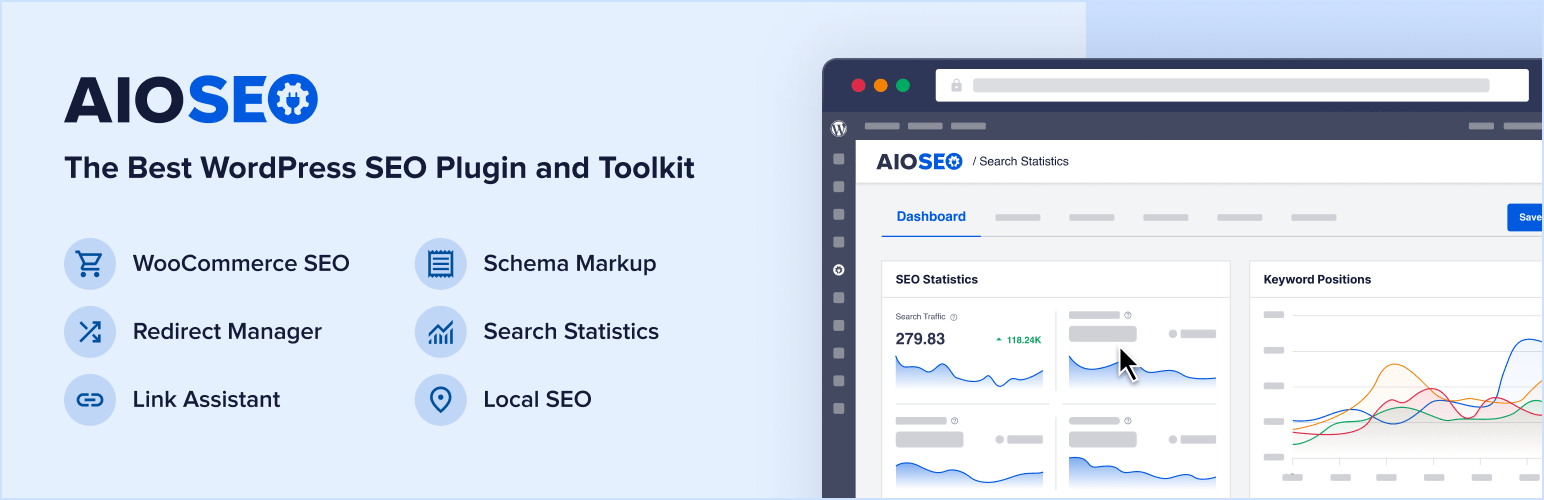
This plugin is the complete SEO toolkit for those who want an alternative to Yoast or Rank Math. It handles XML sitemaps, schema markup, local SEO, and on-page optimization all in one place.
What It Does:
-
XML sitemap creation
-
Schema markup for Google rich snippets
-
Local SEO for brick-and-mortar businesses
-
Social media integration
-
Redirect manager
Best For: Businesses that need comprehensive SEO without bloat.
14. Broken Link Checker – Maintain Site Health

Why You Need It:
Broken links hurt user experience and SEO. This plugin automatically crawls your website, finds dead links, and notifies you so you can fix them before visitors (or Google) encounter them.
What It Does:
-
Automatically scans for broken links
-
Checks external and internal links
-
Notifies you of broken links found
-
Quick editing interface to fix issues
-
Excludes links you specify
Best For: Maintaining a healthy, trustworthy website that Google loves.
15. TablePress – Create Pro Data Tables
Why You Need It:
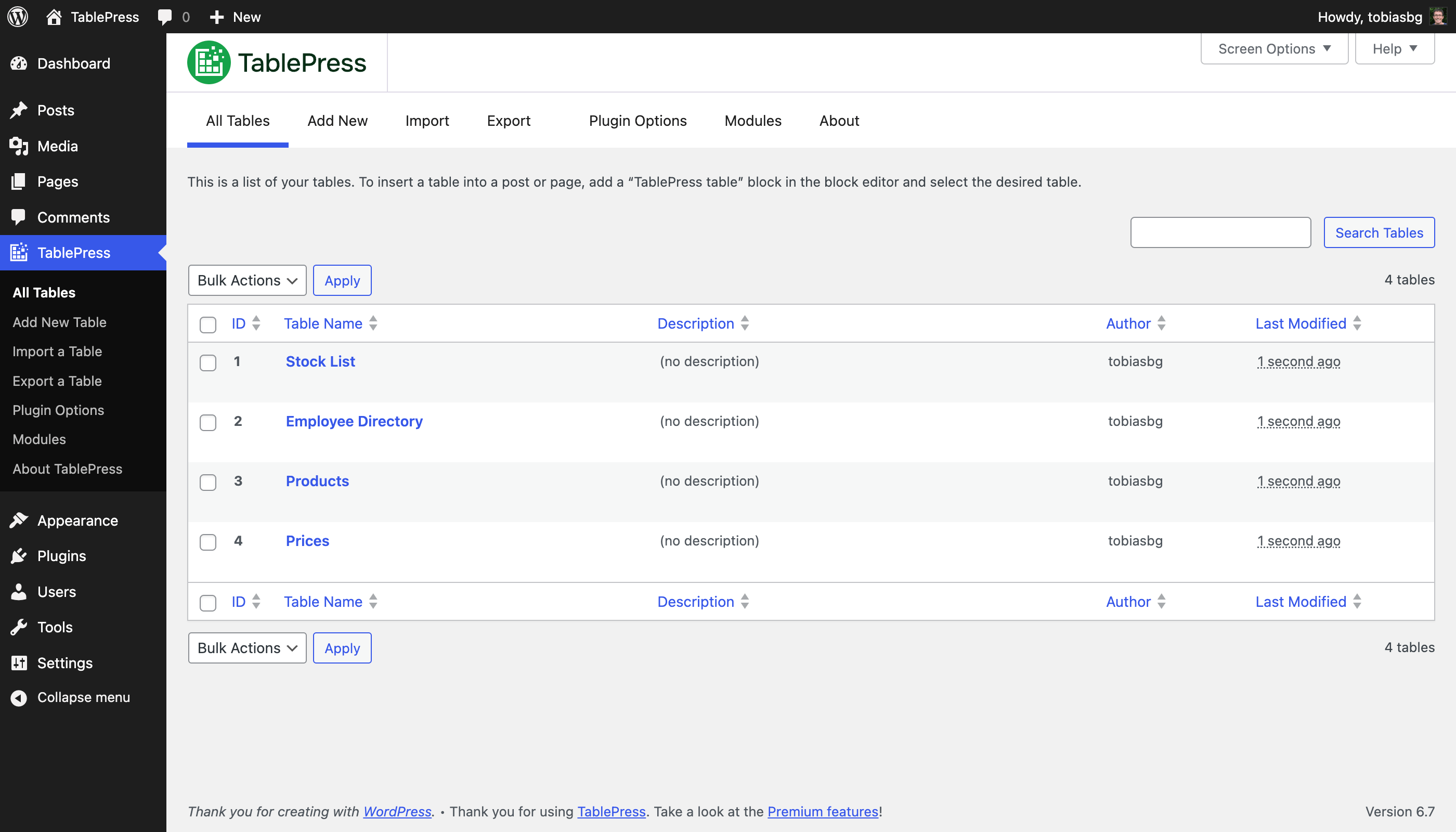
Need to display data, pricing tables, comparisons, or specifications? TablePress lets you create sortable, responsive tables without coding, perfect for product comparisons or feature lists.
What It Does:
-
Easy table creation with visual editor
-
Responsive tables for mobile devices
-
Sorting and filtering capabilities
-
Import/export from Excel or CSV
-
Styling options to match your brand
Best For: Displaying data in an organized, professional way that improves user experience.
How to Install These Plugins in 3 Simple Steps
Step 1: Log into your WordPress dashboard, go to Plugins → Add New
Step 2: Search for each plugin by name, click Install Now, then Activate
Step 3: Configure basic settings (most plugins have setup wizards to guide you)
That’s it! Start with the top 5 plugins (Yoast SEO or Rank Math, Jetpack, WP Super Cache, Wordfence, Akismet) then add others as you need them.
Pro Tips for Plugin Management
Don’t Install Everything at Once: Each plugin uses resources. Start with essentials, then add as you grow.
Keep Plugins Updated: Updates fix security holes and improve performance. Enable automatic updates for peace of mind.
Choose Quality Over Quantity: 15 carefully selected plugins beat 50 random ones. We’ve chosen the most trusted, active plugins with regular updates.
Deactivate Before Troubleshooting: If your site slows down, deactivate plugins one by one to identify the culprit.
The Bottom Line
These 15 free WordPress plugins transform a basic WordPress installation into a professional, secure, fast, and search-engine-friendly website. You don’t need expensive premium plans to compete—with the right free tools, you can dominate your market.
Start implementing these plugins today, and watch your website’s performance, security, and rankings improve dramatically.
Next Step: Install your first 3 plugins today. Come back to this guide when you’re ready to add more functionality.
